
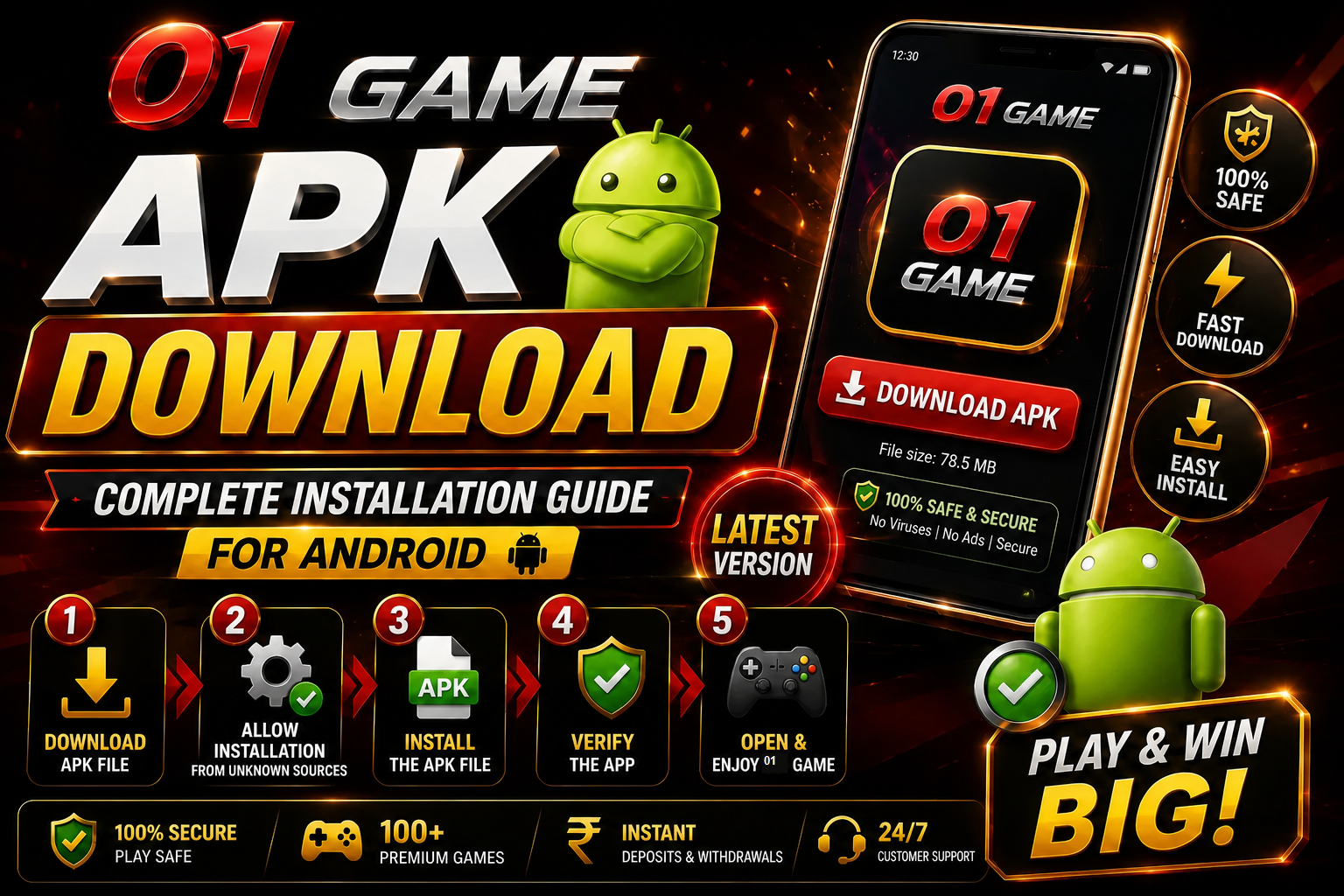
01GAME APK download and Android installation guide with compatibility checks, permission advice and fixes for common installation errors.
Prepare the Android device
Check the Android version, available storage and network connection before downloading. Remove incomplete copies of the same APK and record the current login method if updating an existing installation.
Download the correct package
Open the 01GAME APK download page and compare the displayed filename and version. Do not rename an unrelated ZIP or APK to force installation.
Install with temporary permission
Android may ask for permission to install apps from the selected browser or file manager. Enable it only for that source, install the package, and disable the permission again afterward.
Review permissions at first launch
Allow only access that has a clear purpose. Stop if the app requests accessibility control, contacts or device-administrator rights without a relevant explanation.
Fix common errors
“App not installed” can indicate low storage, an incomplete file, an incompatible Android release or a signature conflict with an older copy. Download again and verify compatibility before removing saved app data.
Reminder: 01GAME is intended for eligible adults. Check local rules, use fixed limits and treat gaming as entertainment rather than income.